ITPRO

Printed from www.itpro.co.uk

Register to receive our regular email newsletter at http://www.itpro.co.uk/registration.

The newsletter contains links to our latest IT news, product reviews, features and how-to guides, plus special offers and competitions.

Skip to navigation

    XP dodges death again

Microsoft is to allow downgrades from Vista for an additional six months.

By Nicole Kobie, 6 Oct 2008 at 11:27

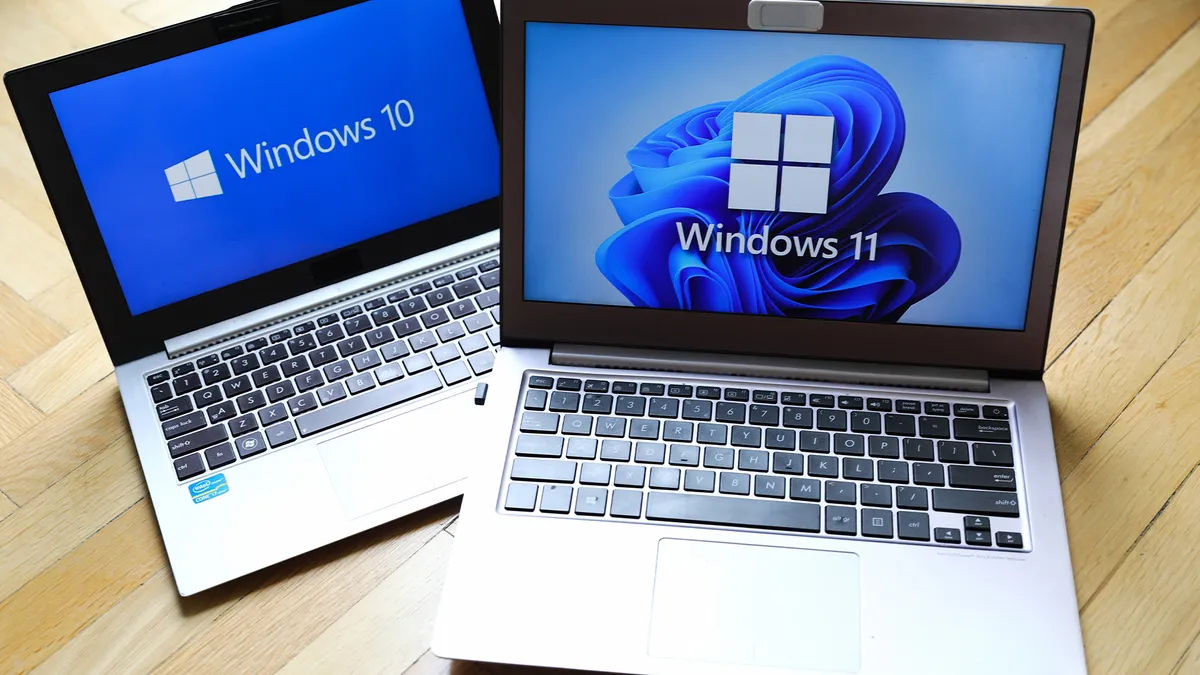
Microsoft has told its resellers it will extend its support of the ever-popular Windows XP operating system for another six months.

The software giant was to stop offering downgrades from the new Vista system to old-favourite XP from 31 January next year, but has announced it will extend that to the end of July. Such downgrades are only available on Business and Ultimate versions, not for Home users.

Retail sales of the operating system ended in June, but it will be supported for some time. The OS is still available on cheap netbooks, however.

Chief executive Steve Ballmer has previously said that XP could survive if enough customers want it, and with Windows 7 looming, some businesses may be looking to skip Vista altogether.

Email to a friend

Print this page

Social Bookmark this article: What is this?

comments

You need to Login or Register to comment.

This is the answer!!!!!

Well, i can´t say anythuing but microsoft at least say us \"Vista Stinks, excuse us, wait for Windows 7\"

By jmravelo on Tuesday Oct 7

1 people out of 1 find this comment usefull!

Did you find it usefull?

Vista

As a user of both Vista and XP please stop using the term \"Downgrade\" to describe Vista to XP. (Upgrade would be better)

By DerekKing1 on Tuesday Oct 7

1 people out of 1 find this comment usefull!

Did you find it usefull?

Xp Dodges Death Again

If I upgrade to Vista Business, Can I then Downgrade to Vista using that No ?

By Trash_Bin on Tuesday Oct 7

0 people out of 0 find this comment usefull!

Did you find it usefull?

Downgrade to XP

I will rephrase If I upgrade to Vista Business Can I downgrade to XP Pro

By Trash_Bin on Tuesday Oct 7

0 people out of 0 find this comment usefull!

Did you find it usefull?

Vista and XP dual boot

Having a number of applications not perform or even crash under Vista as well as having a number of peripherals that do not work under Vista 64 bit, even if there might be a work around under Vists 32 bit the only option was to dual boot. My A3 inkjet has no Visa drivers and Vista 64 bit has no parallel port driver. My SCSI scanners work under XP but there are not drivers for Vista. My film scanner works on XP but there are no Vista drivers. At least with the scanners there are other software applications that include their own drivers for a large range of older hardware. For some work, such as video import, the top cards are XP 32-bit only and even if they now provide Vista drivers these only run under 32 bit. You can\'t then take advantage of 4-8Gb of RAM. Some applications don\'t like dual core processors and will not run at all. This allows Macs applications to be viewed more favourably. Linux comes in so many flavours and even with web pages mapping out the alternative to main PC And Mac applications it still is very difficult to work out if all the hardware you want to use and all the tasks you need to perform can be covered if you change operating system, or what you personally have to sacrifice to get most of it to run stability, something that Vista prevents. One Linux distribution running on an energy efficient but lowly 500 MHz processor couldn\'t cope with You Tube video. Limiting, but for a machine costing £100 a small price to pay. They worked on the drivers and made playback more efficient and now the same hardware will play most if not all the video material. There is no reason for Vista to be slower than XP. There is no reason for the operating system and applications to double in their memory and processor requirements but this is what has been seen with each new release. NT 4 with the Windows 95 style active desktop is a very workable interface and hardly different to XP or Vista. NT only lacked support for the range of hardware being sold. Only with service pack 3 for XP did I shift from booting under NT to using XP, accompanied by having to give up hardware that lacked XP drivers. For the new energy efficient netbook type devices Microsoft should produce an improved and minimal XP system with all the service packs integrated, with windows Media player and browser better integrated aiming to reduce the memory and storage needed and to work efficiently on the low energy chips, like the Atom. One of my concerns over XP is the need to activate it online. I am still running Windows 95 and Windows 98 on some hardware as well as NT server, XP, Vista 32 and Vista 64 bit. I have software that will not run under NT, 2000 or XP and maintain a slightly older set of hardware to boot up on different operating systems to run particular tasks not supported under more recent operating systems. When support for XP, Office XP etc is stopped this may also mean that when I install on a new hard drive I will not be able to activate and so be locked out after 30 days usage.

By limyau on Tuesday Oct 7

1 people out of 1 find this comment usefull!

Did you find it usefull?

advertisement

    Latest Client Features

Netbooks vs. Smartphones: Making business mobile

What we traditionally think of as a smartphone is changing, as data is overtaking voice in terms of use. However, netbooks are beginning to become more and more pocketable – but which is better for someone who wants an office on the move?

Read more


    Latest Client Reviews

HTC Touch HD

Rating: 4

Has HTC finally created a viable competitor to the iPhone, or is the Touch HD just another good-looking phone that struggles to cope with Windows Mobile?

Read more

 
advertisement

    Latest News Videos in Client

Video: HTC Touch Pro review

Play Video: HTC  Touch Pro review   Play

Can HTC's Touch Pro go one better than the Touch Diamond? Check out our video review to find out.


    White papers

Want more background on today's hottest IT trends?

Visit IT PRO's white paper library for more on virtualisation, encryption and other topics.

    Register for IT PRO

You'll get exclusive member benefits including free white papers, downloads, Webinars and weekly newsletters full of the latest IT PRO news, reviews, insight and expertise.

Advertisement